
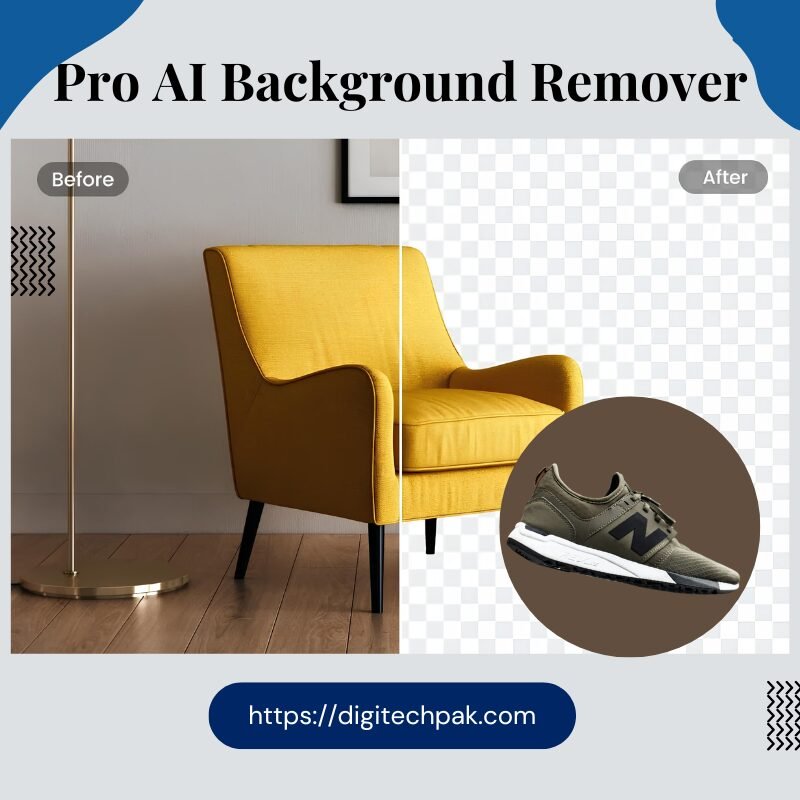
Description
Say Goodbye to Manual Masking: The Professional 4K AI Background Removal Tool
Let’s be honest: manual background removal is a relic of the past. If you are still using the “Magic Wand” or paying for expensive one-by-one credits, you are losing time and money.
In 2026, efficiency is the only way to scale. Whether you are an e-commerce mogul, a graphic designer, or a content creator, you need a tool that handles the “impossible” (like hair and fur) while giving you 4K output.
Why This is the Last Background Tool You’ll Ever Need
Our tool doesn’t just “cut out” a subject; it understands the anatomy of your image. Powered by a high-performance Remove.bg API and optimized with a custom canvas fallback, we deliver studio-quality results in under 3 seconds.
🚀 The “Power-User” Feature Set (All 22+ Features)
1. The Removal Engine (Precision First)
-
AI Background Removal: Instant detection using the world’s most accurate API.
-
Edge Refinement Controls: Specialized Feather, Smoothing, and Hair/Fur toggles to eliminate the “fake” look.
-
Invert Selection: One-click flip to keep the background and remove the subject.
2. Workflow & Speed (Batch Power)
-
Batch Processing: Upload and process up to 5 images at once—perfect for product catalogs.
-
Drag & Drop Interface: Instant upload with smart file validation (Supports up to 25MB).
-
History Panel: Your last 6 results are stored in a session tray—never lose a design again.
-
Copy to Clipboard: Direct PNG copy for instant pasting into Canva, Photoshop, or Slack.
3. Creative Studio (Replace & Blur)
-
Pro Background Replacement: Choose from 12 solid colors, 6 premium gradients, or use the Hex Input for exact branding.
-
Custom Image Upload: Drop your subject into any environment instantly.
-
Adjustable Bokeh Blur: Professional 1–40px blur with falloff control for that $2,000 lens look.
-
Live Image Adjustments: Slider-based control for Brightness, Contrast, Saturation, Hue, and Opacity.
4. Professional Export (The 4K Difference)
-
Resolution Control: Choose between Original, 2× HD, or 1/2× Compact sizes.
-
Format Flexibility: Export in PNG (Transparent), JPG, or WebP.
-
HD Toggle: High-definition processing for print-ready quality.
-
Fullscreen Preview: Check your edges in a Fullscreen Zoom Modal (25% to 200%).
Stop Paying for Mediocre Results
| Features | Free Online Tools | Our AI Pro Tool |
| Max Resolution | 720p (Blurry) | 4K & 2x HD (Crystal Clear) |
| Complex Edges | Erases hair/details | Dedicated Hair/Fur Modes |
| Bulk Work | One at a time | Batch Queue (5 Images) |
| Post-Editing | None | Live Contrast/Hue/Saturation |
How It Works (3 Steps to Perfection)
-
Upload: Drag up to 5 images into the dashboard.
-
Refine: Use the Before/After Slider to check edges and apply Bokeh Blur or Color Gradients.
-
Export: Select 4K PNG and either download or copy directly to your clipboard.
The Verdict from the Pros
“I used to spend 15 minutes per image in Photoshop. Now, I process my entire daily product intake in under 2 minutes. The edge refinement on hair is a game-changer.” — Senior Art Director



Reviews
There are no reviews yet.